Save Editor / Games / Red Dead Redemption 2
RDR2 Save Editor (Red Dead Redemption 2 PC)
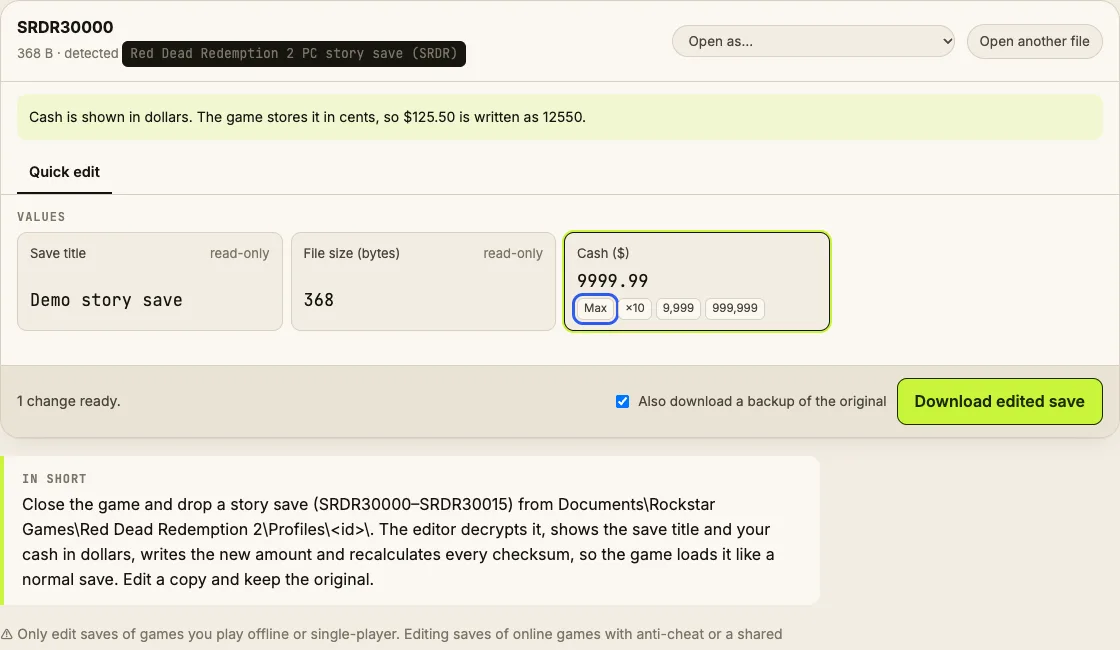
Edit Red Dead Redemption 2 PC story saves in your browser: set Arthur's or John's cash on an SRDR3 save, with Rockstar's encryption and checksums redone for you.
Modding instead of editing? How to install mods with r2modman or Gale
Project sources: HTOS (open-source Rockstar save research)
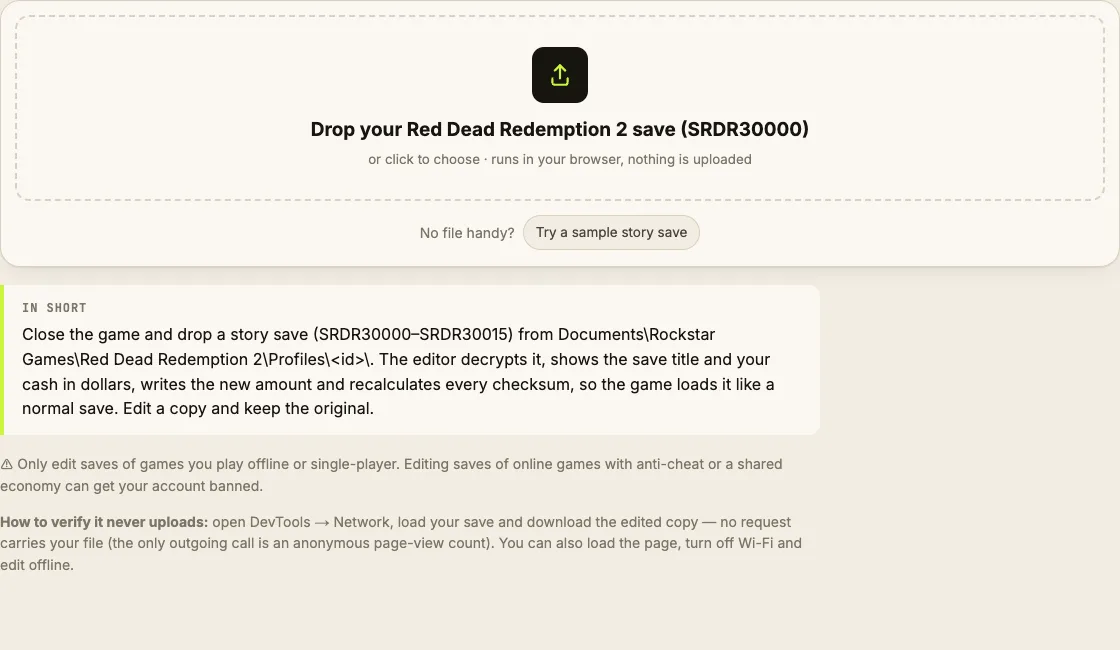
⚠ Only edit saves of games you play offline or single-player. Editing saves of online games with anti-cheat or a shared economy can get your account banned.
How to verify it never uploads: open DevTools → Network, load your save and download the edited copy — no request carries your file (the only outgoing call is an anonymous page-view count). You can also load the page, turn off Wi-Fi and edit offline.
What you can edit in Red Dead Redemption 2
- Cash in dollars (up to $21,474,836.47)
- Save title and file size shown for reference
Where is the Red Dead Redemption 2 save file?
| Platform | Location |
|---|---|
| Windows (Steam, Rockstar Launcher, Epic) | %USERPROFILE%\Documents\Rockstar Games\Red Dead Redemption 2\Profiles\<random id>\Story saves are SRDR30000 to SRDR30015 (no extension). Autosaves are in the same folder. |
| Steam Deck / Linux (Proton) | ~/.local/share/Steam/steamapps/compatdata/1174180/pfx/drive_c/users/steamuser/Documents/Rockstar Games/Red Dead Redemption 2/Profiles/<id>/ |
| PS4 / PS5 / Xbox | Not supportedConsole saves are signed per account and can't be edited in a browser. |
Tip: on Windows, paste a path that starts with % into the File Explorer address bar.
How to edit your Red Dead Redemption 2 save
- Make a manual save in camp or at a hotel, then quit to desktop.
- Copy the whole Profiles\<id> folder somewhere safe.
- Find the newest SRDR3 file (sort by Date modified) and drop it into the editor above.
- Check the save title matches, then set Cash in Quick edit.
- Click Download edited save and replace the original file. Keep the exact name, with no extension.
- Start the game and load that save from Story → Load Game.
Tips
- Turn off cloud saves for the launch while you replace the file, or Rockstar's cloud sync may restore the older copy (Settings in the Rockstar Games Launcher → Enable cloud saves).
- A few thousand dollars changes the economy less than millions; the trapper, the fence and camp upgrades all cost under $2,000.
- Some saves can't be edited: if the cash record isn't found exactly once, the editor shows the title only and won't change the file.
Limits
- Gold bars, items, honor and horse bonding aren't editable — no source maps their storage reliably yet, so we don't guess.
- Story mode on PC only. Red Dead Online lives on Rockstar's servers; editing it is impossible and would get you banned.
- Tested on files built to the documented format. Patch-level changes by Rockstar could move the cash record; the editor then refuses to edit instead of writing a broken save.
Editors that work the same way
- GTA 5 Save Editor (PC Story Mode): Rockstar's other PC story saves, using the same encryption and checksum rebuild.
- Cyberpunk 2077 Save Editor: Eddies for another big open-world story game on PC.
- NFSU2 Save Editor: cash for a PC game whose saves also need checksums redone.
- No Man's Sky Save Editor: units and nanites for an open world you explore at your own pace.
Red Dead Redemption 2 save editing FAQ
Where is the RDR2 save file on PC?
Documents\Rockstar Games\Red Dead Redemption 2\Profiles\<random id>\. Story saves are the SRDR30000–SRDR30015 files with no extension.
Is there an RDR2 money cheat that keeps saving?
The built-in cheats disable saving and achievements while active. Editing the cash in your save doesn't, because the game just loads a normal file.
Why does the editor show only the title for my save?
Your file decrypted fine, but the cash record wasn't found exactly once in a checksum-protected block. Rather than guess, the editor leaves it untouched. Try a newer manual save.
Can I add gold bars?
Not yet. Gold bars are inventory items without a verified location in the save, and a wrong write corrupts the file. Sell them at a fence in-game for $500 each instead.
Does it work for Red Dead Online?
No. Online characters are stored on Rockstar's servers, not in these files.
Will I get banned?
Story mode is offline and has nothing to ban. Don't take edited cash anywhere near Red Dead Online.
Is my save uploaded?
No. Decryption, editing and the checksum rebuild all run in your browser.
Tested on synthetic SRDR3 saves built to the published Rockstar PC format (AES-256 envelope, date hash and CHKS records): the cash edit reopens with the new value, both checksums validate, the header and unrelated bytes are unchanged and an unedited export is byte-identical. Not yet loaded in the game. Save Editor is an independent tool and isn't affiliated with the makers of Red Dead Redemption 2.
Other save editors