Save Editor / Games / Pokémon (Gen 3 GBA)
Pokémon Save Editor (Gen 3)
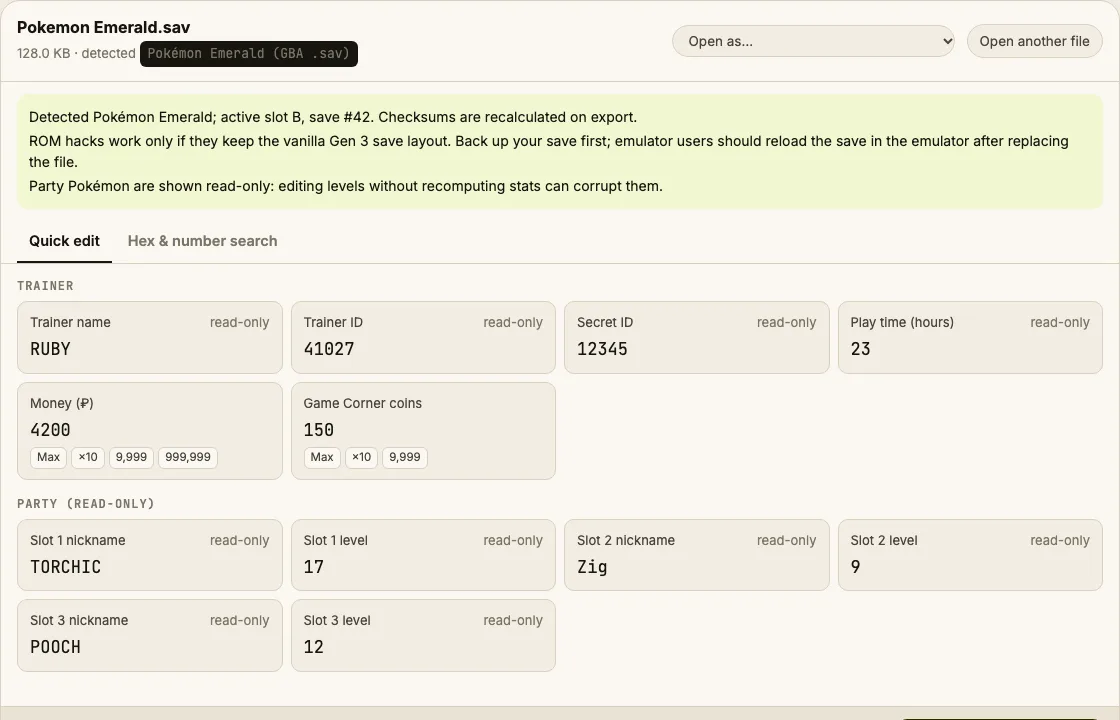
Edit Gen 3 Pokémon GBA saves online: money and Game Corner coins for Ruby, Sapphire, Emerald, FireRed and LeafGreen, with checksums recalculated.
⚠ Only edit saves of games you play offline or single-player. Editing saves of online games with anti-cheat or a shared economy can get your account banned.
How to verify it never uploads: open DevTools → Network, load your save and download the edited copy — no request carries your file (the only outgoing call is an anonymous page-view count). You can also load the page, turn off Wi-Fi and edit offline.
What you can edit in Pokémon (Gen 3 GBA)
- Money (up to 999,999)
- Game Corner coins (up to 9,999)
- Trainer name, ID and party shown for reference
Where is the Pokémon (Gen 3 GBA) save file?
| Platform | Location |
|---|---|
| mGBA / VisualBoyAdvance | Same folder as the ROM: <rom name>.sav |
| RetroArch | RetroArch/saves/<rom name>.srmRename .srm to .sav if needed — it's the same data. |
| Delta / iOS emulators | Export the save from the game's menu, edit, import back. |
| Real cartridge | Needs a cartridge dumper (e.g. GB Operator). |
Tip: on Windows, paste a path that starts with % into the File Explorer address bar.
How to edit your Pokémon (Gen 3 GBA) save
- Save in-game, then close the emulator (save states are a different thing — use the in-game save).
- Copy the .sav as a backup.
- Drop it into the editor. Check the trainer name matches your game.
- Set money or coins, then Download edited save.
- Put it back next to the ROM with the same name. Load the game — don't load a save state, it would overwrite the edit.
Tips
- Emulator save states (.ss0, .state) override the battery save. Always boot the game and choose Continue.
Limits
- Changing Pokémon, items and boxes is planned; for now use PKHeX for deep edits.
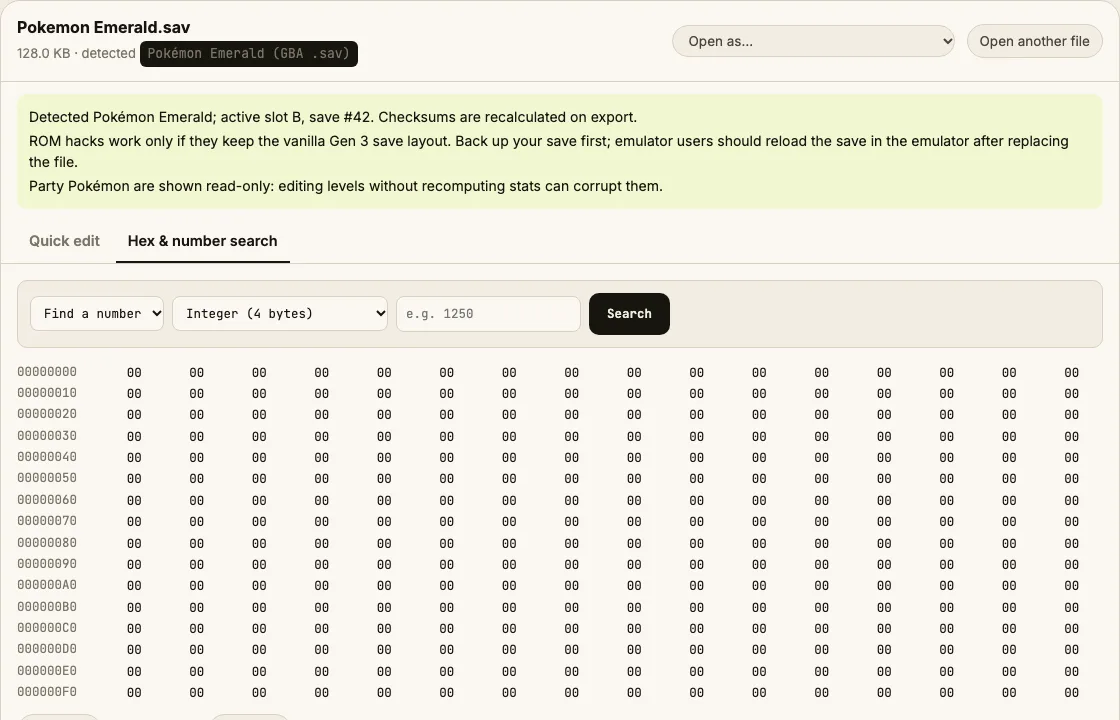
- ROM hacks work only if they keep the vanilla save layout (many Emerald- and FireRed-based hacks do; expansion-based hacks may not).
Pokémon (Gen 3 GBA) save editing FAQ
Why does the game say the save is corrupted after editing elsewhere?
Each 4 KB section of a Gen 3 save has a checksum. This editor recalculates it for every section it changes, so the game accepts the file.
Does it work with Radical Red or Emerald hacks?
If the hack keeps the vanilla save layout, yes. The editor reads the security key and detects Ruby/Sapphire, Emerald and FireRed/LeafGreen layouts; if values look wrong, don't save the edit.
Why is my money stored 'encrypted'?
Emerald and FireRed/LeafGreen XOR money with a per-save security key. The editor applies the key for you.
Is this allowed?
Editing your own single-player save is fine. Don't use edited Pokémon in online competitions.
Tested on generated Emerald and FireRed layouts; see About for real-save checks. Save Editor is an independent tool and isn't affiliated with the makers of Pokémon (Gen 3 GBA).
Other save editors