Save Editor / Games / RPG Maker MV / MZ
RPG Maker Save Editor (MV & MZ)
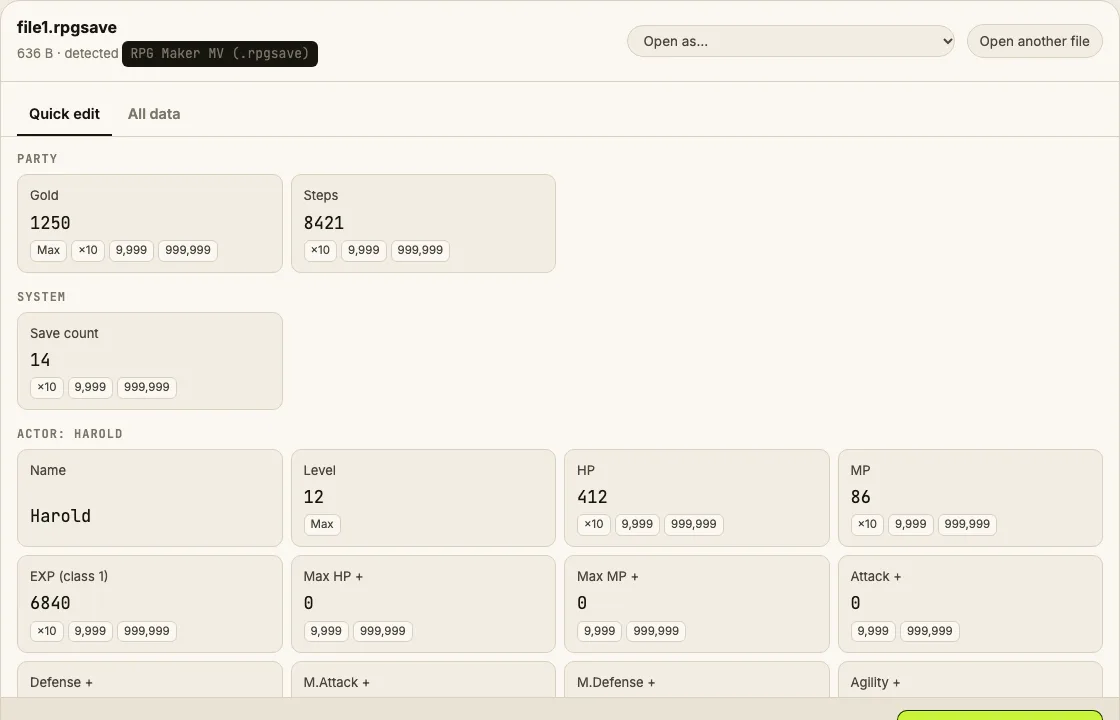
Edit RPG Maker MV .rpgsave and MZ .rmmzsave files online: gold, item and equipment counts, actor level, HP, MP, EXP, stat boosts, switches and variables.
⚠ Only edit saves of games you play offline or single-player. Editing saves of online games with anti-cheat or a shared economy can get your account banned.
How to verify it never uploads: open DevTools → Network, load your save and download the edited copy — no request carries your file (the only outgoing call is an anonymous page-view count). You can also load the page, turn off Wi-Fi and edit offline.
What you can edit in RPG Maker MV / MZ
- Gold and steps
- Item, weapon and armor counts
- Actor name, level, HP, MP, EXP
- Permanent stat boosts (Max HP+, Attack+…)
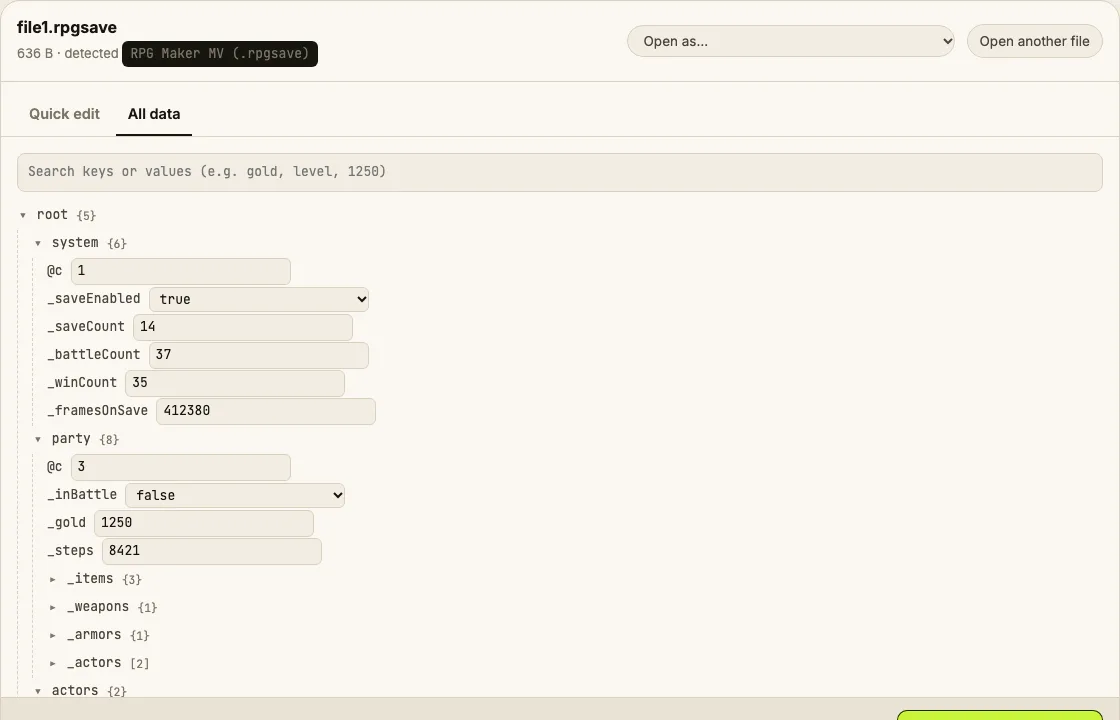
- Game variables and switches
Where is the RPG Maker MV / MZ save file?
| Platform | Location |
|---|---|
| MV (Windows / Mac / Linux) | <game folder>/www/save/file1.rpgsave |
| MZ (Windows / Mac / Linux) | <game folder>/save/file1.rmmzsave |
| Steam games | Steam/steamapps/common/<game>/www/save/ |
| Browser-played games | Saved in the browser's local storage, not a file |
Tip: on Windows, paste a path that starts with % into the File Explorer address bar.
How to edit your RPG Maker MV / MZ save
- Save in-game and close it.
- file1 = slot 1, file2 = slot 2. Ignore global and config — they're not your progress. Back up the slot you want.
- Drop it into the editor and change gold, items or party members.
- Download edited save and replace the file with the same name.
- Load that slot in the game.
Tips
- Item names aren't stored in the save, only their ID numbers. The game's data/Items.json lists which ID is which.
Limits
- Older RPG Maker (XP/VX/VX Ace) use Ruby Marshal (.rxdata/.rvdata2) and aren't supported yet.
- Some games encrypt saves with a plugin; those open in the hex view only.
RPG Maker MV / MZ save editing FAQ
What's the difference between .rpgsave and .rmmzsave?
MV saves are LZString-compressed Base64 text; MZ saves are zlib-compressed. The editor detects which one you dropped and writes it back the same way.
Why do I see numbers instead of item names?
The save only stores item IDs and counts. Names live in the game's own data files, which the editor doesn't need to read.
How do I max my party's level?
Set Level to 99 and the matching EXP field high enough for that level (or leave EXP and the game will sync on the next level-up).
Will this work on Joiplay / Android?
Yes, if you can copy the .rpgsave from the game's save folder on the device.
Round-trip tested on generated MV and MZ saves, including the MZ UTF-8 quirk. Save Editor is an independent tool and isn't affiliated with the makers of RPG Maker MV / MZ.
Other save editors