Save Editor / Games / Terraria
Terraria Save Editor
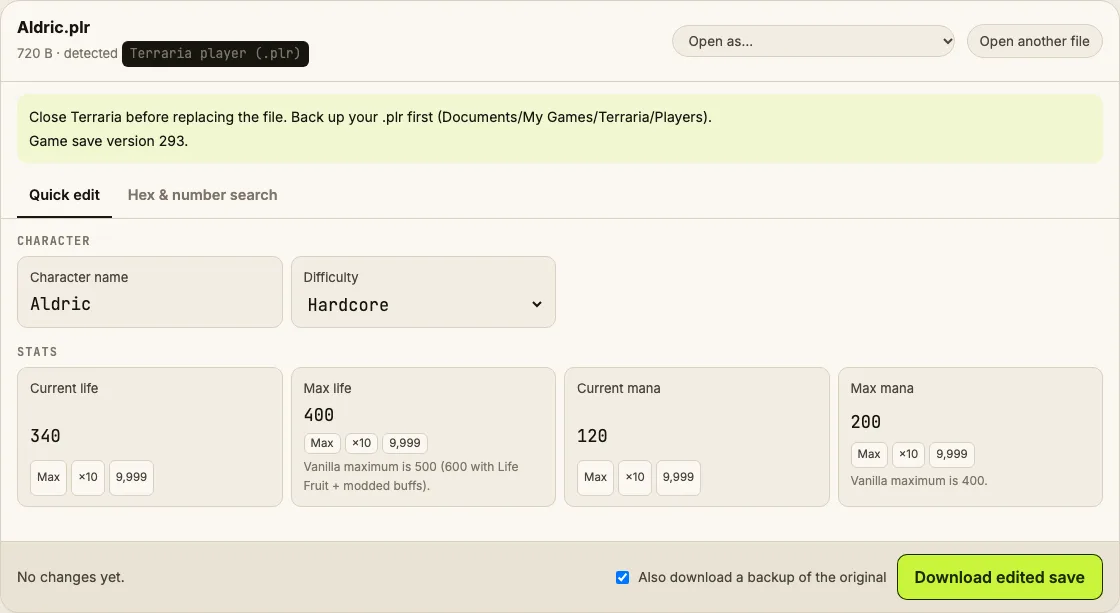
Edit Terraria .plr player files in your browser: name, difficulty, max life and max mana, plus hex number search for item stacks.
⚠ Only edit saves of games you play offline or single-player. Editing saves of online games with anti-cheat or a shared economy can get your account banned.
How to verify it never uploads: open DevTools → Network, load your save and download the edited copy — no request carries your file (the only outgoing call is an anonymous page-view count). You can also load the page, turn off Wi-Fi and edit offline.
What you can edit in Terraria
- Character name
- Difficulty (Classic / Mediumcore / Hardcore / Journey)
- Life and max life
- Mana and max mana
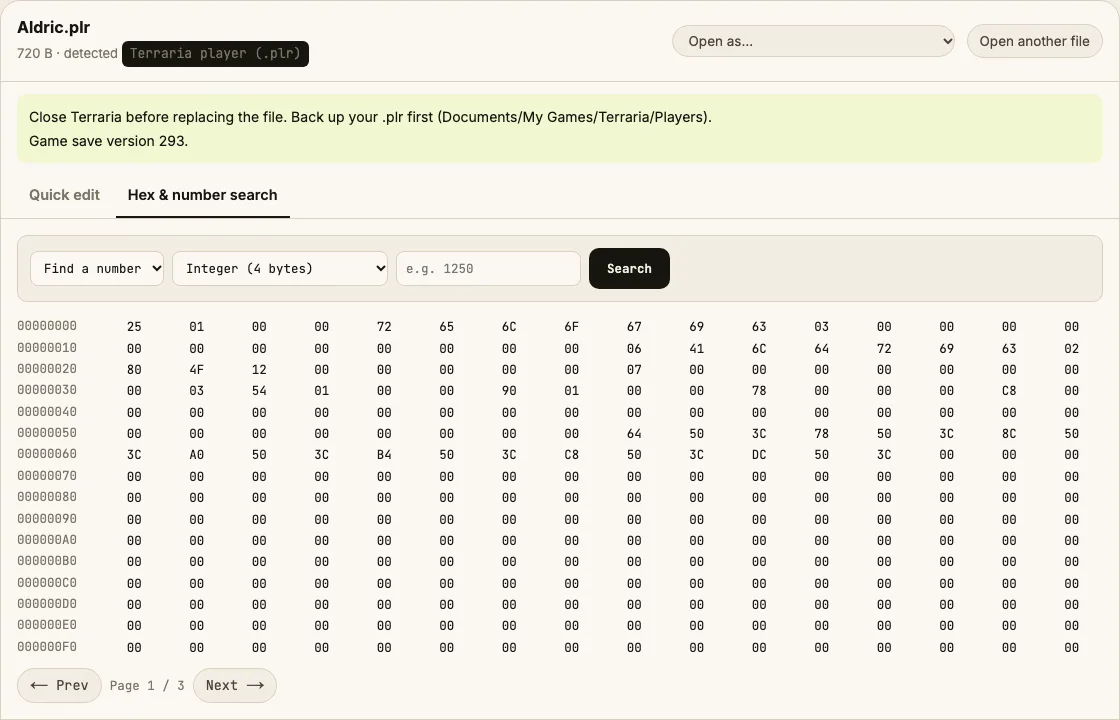
- Anything else via the decrypted hex view + number search
Where is the Terraria save file?
| Platform | Location |
|---|---|
| Windows | %USERPROFILE%\Documents\My Games\Terraria\Players\ |
| macOS | ~/Library/Application Support/Terraria/Players/ |
| Linux / Steam Deck | ~/.local/share/Terraria/Players/ |
| Steam Cloud characters | Steam\userdata\<id>\105600\remote\players\Characters with the cloud icon in-game live here. |
Tip: on Windows, paste a path that starts with % into the File Explorer address bar.
How to edit your Terraria save
- Exit to the main menu or close Terraria.
- Back up the .plr file (the game also keeps .plr.bak).
- Drop the .plr into the editor and change values in Quick edit.
- For inventory, open Hex & number search, search the exact stack count you see in-game, and write a new value at the match.
- Download, put the file back with the same name, and load the character.
Tips
- Vanilla max life is 500 (400 from Life Crystals + 100 from Life Fruit) and max mana is 200. Higher values work but some tools and servers reject them.
- Journey mode characters can only join Journey worlds — switching difficulty to Journey changes which worlds you can enter.
Limits
- Worlds (.wld) aren't supported yet — they're huge tile maps and better edited with TEdit.
Terraria save editing FAQ
Is the .plr file encrypted?
Yes. Terraria encrypts player files with AES using a key that's been public since 2011. The editor decrypts and re-encrypts in your browser.
Can I get banned for editing my character?
Not in single-player. Multiplayer servers with anti-cheat (e.g. TShock with SSC) may reject edited characters, so use edits in your own worlds.
How do I give myself items?
Open Hex & number search, search the exact count of an item stack you have (say 37 torches) as a 4-byte integer, then write the new count at the match. A rare number pinpoints the slot.
Does it work with tModLoader?
The .plr opens, but modded items are stored in a separate .tplr file, which this editor doesn't change.
Round-trip tested on generated .plr files; see About for real-file checks. Save Editor is an independent tool and isn't affiliated with the makers of Terraria.
Other save editors