Save Editor / Games / Midgard Survivors
Midgard Survivors Save Editor
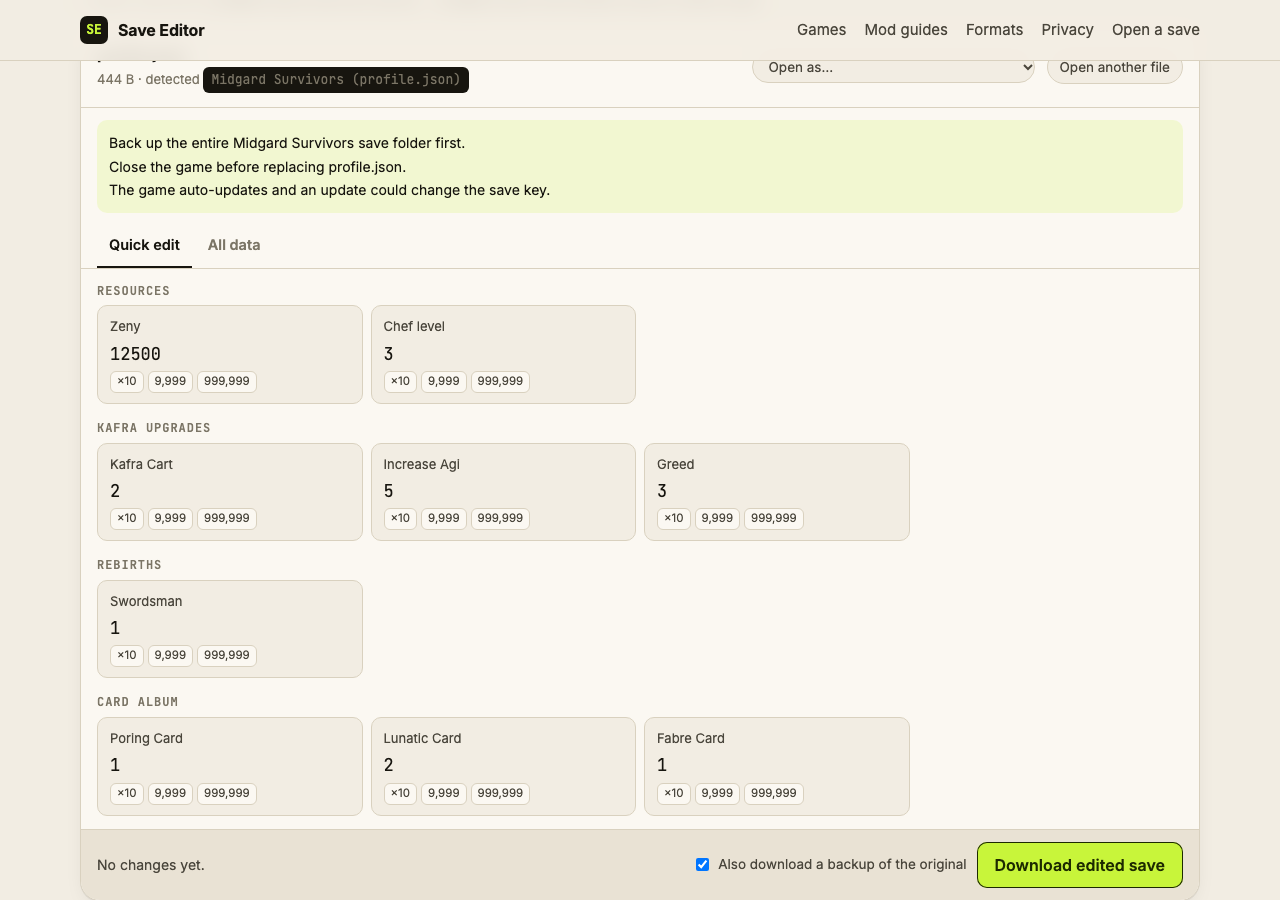
Edit Midgard Survivors profile.json in your browser: Zeny, Kafra upgrades, rebirths, card album and refine levels.
Modding instead of editing? How to install mods with r2modman or Gale
Project sources: Midgard Survivors on itch.ioMidgard Survivors build viewer (read-only)
⚠ Only edit saves of games you play offline or single-player. Editing saves of online games with anti-cheat or a shared economy can get your account banned.
How to verify it never uploads: open DevTools → Network, load your save and download the edited copy — no request carries your file (the only outgoing call is an anonymous page-view count). You can also load the page, turn off Wi-Fi and edit offline.
What you can edit in Midgard Survivors
- Zeny and any other account currency found in the profile
- Kafra upgrade levels and the chef's cooking level
- Rebirth count per class
- Card album counts, so slotting cards no longer waits on 0.01% drops
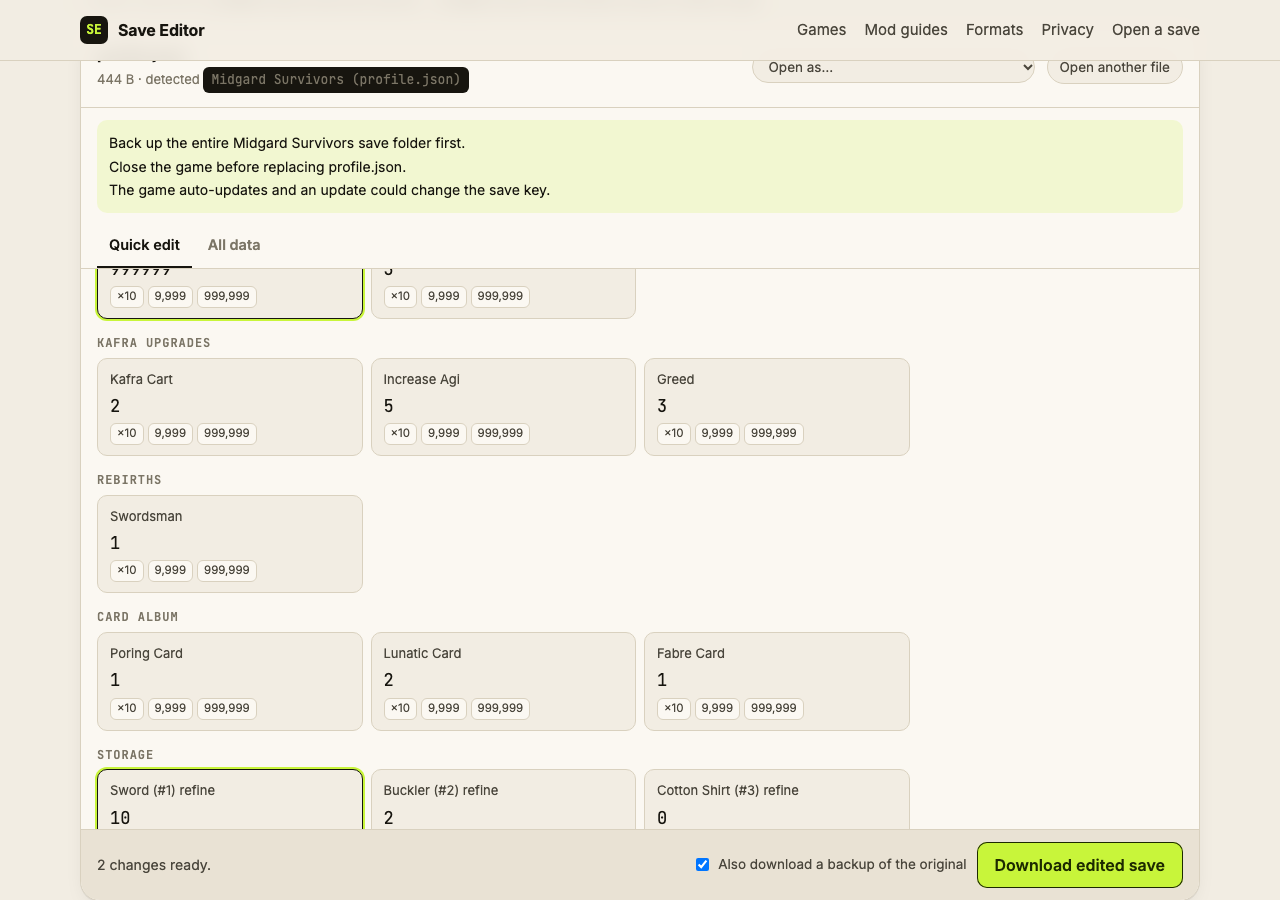
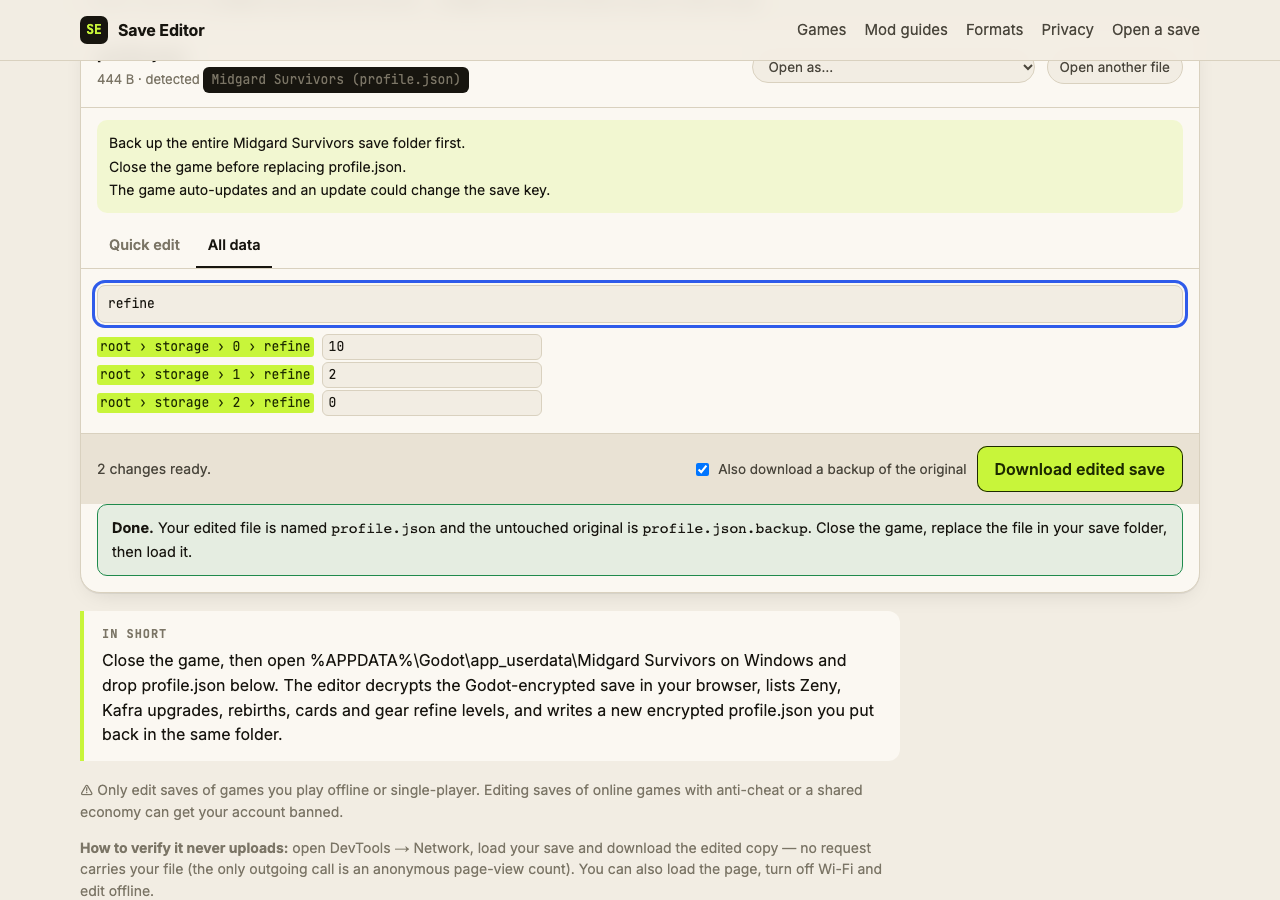
- Refine level of every item in storage (no more broken gear from failed Oridecon or Elunium upgrades)
- Every other value in All data, with unknown keys kept as they were
Where is the Midgard Survivors save file?
| Platform | Location |
|---|---|
| Windows | %APPDATA%\Godot\app_userdata\Midgard Survivors\profile.jsonPaste the folder path into File Explorer's address bar. The .run files next to it hold your current run; profile.json is the account. |
| macOS | ~/Library/Application Support/Godot/app_userdata/Midgard Survivors/profile.jsonIn Finder press Cmd+Shift+G and paste the path. |
| Linux / Steam Deck | ~/.local/share/godot/app_userdata/Midgard Survivors/profile.jsonPress Ctrl+H in the file picker to show hidden folders. |
| Android | Internal app storageThe Android build keeps profile.json inside the app's private folder, which other apps and browsers can't open without root. Edit on PC instead if you play there too. |
Tip: on Windows, paste a path that starts with % into the File Explorer address bar.
How to edit your Midgard Survivors save
- Quit Midgard Survivors completely. The game writes profile.json when it closes, so editing while it runs gets overwritten.
- Copy the whole Midgard Survivors save folder somewhere safe as a backup.
- Drop profile.json into the editor above, or try the sample profile first.
- Change Zeny, Kafra upgrades, rebirths, cards or refine levels in Quick edit. Search All data for anything else.
- Click Download edited save and replace profile.json in the save folder, keeping the same name.
- Start the game and check your Zeny and storage in Prontera before you start a run.
Tips
- Edit only between runs, in Prontera. The current run lives in a separate .run file and is not changed here.
- Keep values believable: refine +10 and a few hundred thousand Zeny are safe. Extreme numbers may break UI counters in a game that's still in active development.
- The game updates itself when it starts. If a patch changes the save key, the editor refuses the file instead of writing a broken one. Your backup stays safe either way.
Limits
- Only profile.json (the account) is supported. .run files with the active run are not.
- profile.json is decrypted with the key the current game build uses (checked with an MD5 of the contents). If an update changes it, the file is rejected, not guessed at.
- Field names come from the save itself, so new items or upgrades added by patches show up under their internal ids.
Editors that work the same way
- Azeroth Survivors Save Editor: the other fan-made survivors-like, with talents, zones and gold in a sealed export.
- Slay the Spire 2 Save Editor & Cheats: gold and progress for another run-based game you play between runs.
- Risk of Rain 2 Save Editor: unlocks and coins in another roguelike account profile.
- Clicker Heroes Save Editor: rubies and hero souls for players who like watching numbers climb.
Midgard Survivors save editing FAQ
Where is the Midgard Survivors save file?
On Windows it's %APPDATA%\Godot\app_userdata\Midgard Survivors. On macOS it's ~/Library/Application Support/Godot/app_userdata/Midgard Survivors, and on Linux ~/.local/share/godot/app_userdata/Midgard Survivors. The account is profile.json. The .run files hold the run in progress.
Why can't I open profile.json in Notepad?
The game saves it with Godot's encrypted file format: a GDEC header, an MD5 of the contents, the length, a random IV and AES-256-CFB data. This editor decrypts it in your browser, then re-encrypts it with a fresh IV and a matching MD5 so the game accepts it.
Can I get more Zeny or cards in Midgard Survivors?
Account progress lives in profile.json. The editor lists every currency it finds there (Zeny shows first under Resources), plus Kafra upgrades and card album counts. Raise them in Quick edit, download, and replace the file while the game is closed. If a value you want isn't in Quick edit, search All data for it.
Can I fix a failed refine?
Yes. Every item in storage has its refine level listed. Set the level you want, so a failed Oridecon or Elunium attempt costs you nothing.
Is editing allowed? Can I be banned?
Midgard Survivors is a free single-player fan game with nothing for sale, so editing your own save only affects you. Keep a backup in case a future update expects different data.
Is my save uploaded anywhere?
No. Decryption, editing and re-encryption all run in your browser. Nothing is sent to a server.
Format checked against game v0.2.7 and the community build viewer that reads the same files. Tested on generated profiles: a known-answer AES-256-CFB vector made with Node's crypto decrypts, edits re-encrypt with a valid MD5 and length, unchanged files export byte-identical, and corrupted or wrong-key files are rejected. Not yet loaded in-game with an edited real profile. Save Editor is an independent tool and isn't affiliated with the makers of Midgard Survivors.
Other save editors