Save Editor / Games / Elden Ring
Elden Ring Save Editor
Where Elden Ring keeps ER0000.sl2, how to back up and restore characters, why edits need checksum fixes, and which open-source editors to use offline.

Project sources: ER Save Editor (open source)Elden Ring Save Copier (open source)
Elden Ring keeps every character in one ER0000.sl2 file, a BND4 container with an MD5 checksum per slot, and the game checks those saves online. We don't ship an in-browser editor yet because a wrong write can corrupt all characters at once. This page shows where the file is, how to back it up and restore it, and which open-source tools people use offline with Easy Anti-Cheat disabled.
Want an editor for this game? Vote for it — the most-requested games get built first.
⚠ Only edit saves of games you play offline or single-player. Editing saves of online games with anti-cheat or a shared economy can get your account banned.
Where is the Elden Ring save file?
| Platform | Location |
|---|---|
| Windows (Steam) | %APPDATA%\EldenRing\<SteamID>\ER0000.sl2Back up the complete account folder including .bak. |
| Steam Deck (Proton) | ~/.local/share/Steam/steamapps/compatdata/1245620/pfx/drive_c/users/steamuser/AppData/Roaming/EldenRing/Look inside your SteamID directory. |
| macOS | No native macOS releaseCompatibility-layer paths depend on your installation. |
Tip: on Windows, paste a path that starts with % into the File Explorer address bar.
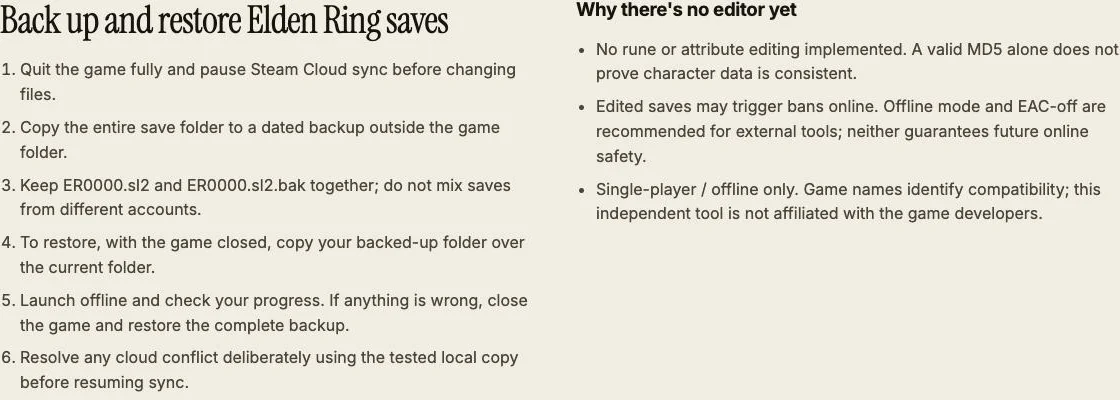
Back up and restore Elden Ring saves
- Quit the game fully and pause Steam Cloud sync before changing files.
- Copy the entire save folder to a dated backup outside the game folder.
- Keep ER0000.sl2 and ER0000.sl2.bak together; do not mix saves from different accounts.
- To restore, with the game closed, copy your backed-up folder over the current folder.
- Launch offline and check your progress. If anything is wrong, close the game and restore the complete backup.
- Resolve any cloud conflict deliberately using the tested local copy before resuming sync.
Why there's no editor yet
- No rune or attribute editing implemented. A valid MD5 alone does not prove character data is consistent.
- Edited saves may trigger bans online. Offline mode and EAC-off are recommended for external tools; neither guarantees future online safety.
- Single-player / offline only. Game names identify compatibility; this independent tool is not affiliated with the game developers.
Elden Ring save editing FAQ
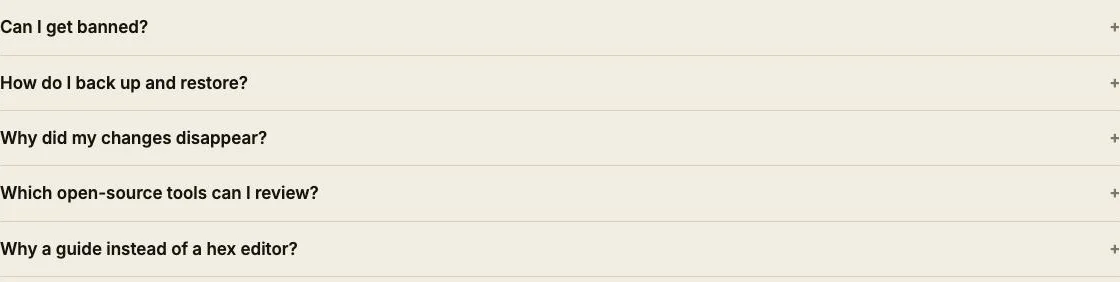
Can I get banned?
No safety guarantee is possible. Use edited files only in offline single-player; never take modified saves into online or anti-cheat sessions.
How do I back up and restore?
Close the game, copy the entire save folder elsewhere, and restore that complete copy with the game closed if needed.
Why did my changes disappear?
Cloud sync can restore an older copy. Pause Steam Cloud first and resolve conflicts using the local copy you have checked offline.
Which open-source tools can I review?
ClayAmore/ER-Save-Editor provides editing; BenGrn/EldenRingSaveCopier copies characters. See the linked project sources below and check current compatibility.
Why a guide instead of a hex editor?
Without validated slot parsing and attribute consistency checks, changing guessed offsets can corrupt characters even after recalculating MD5.
Guide only. Public container specification reviewed; no real-file edits or game acceptance tested. Save Editor is an independent tool and isn't affiliated with the makers of Elden Ring.
Other save editors