Save Editor / Games / Grand Theft Auto V
GTA 5 Save Editor (PC Story Mode)
Change Michael, Franklin and Trevor's money in a GTA V PC story save.
Modding instead of editing? How to install mods with r2modman or Gale
Project sources: PC story save formatCash field identifiers
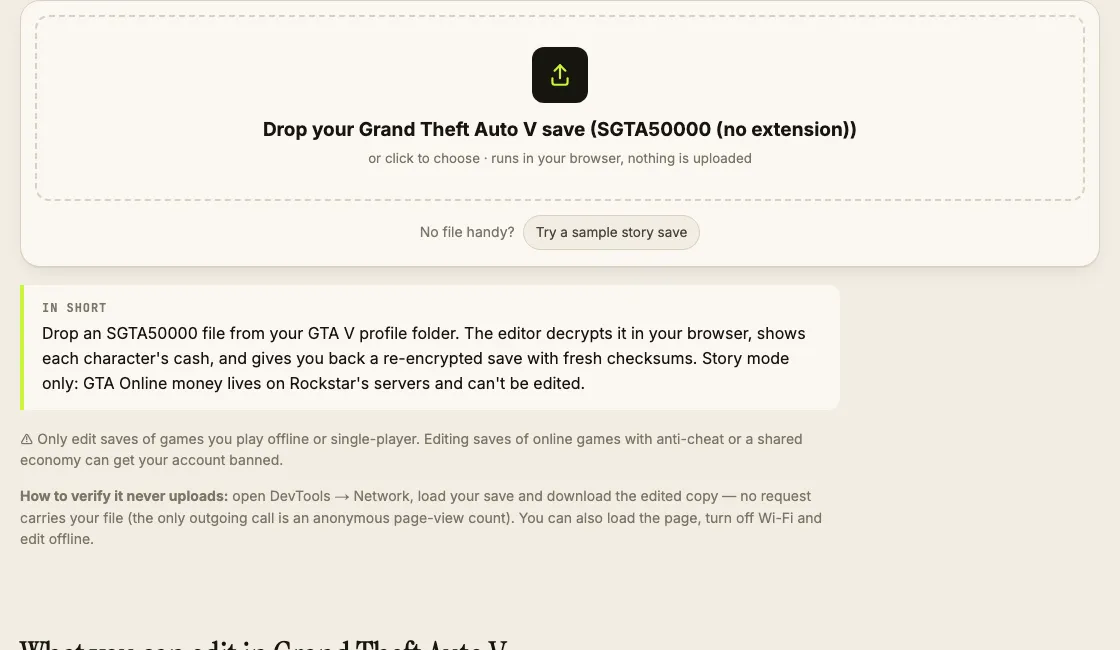
⚠ Only edit saves of games you play offline or single-player. Editing saves of online games with anti-cheat or a shared economy can get your account banned.
How to verify it never uploads: open DevTools → Network, load your save and download the edited copy — no request carries your file (the only outgoing call is an anonymous page-view count). You can also load the page, turn off Wi-Fi and edit offline.
What you can edit in Grand Theft Auto V
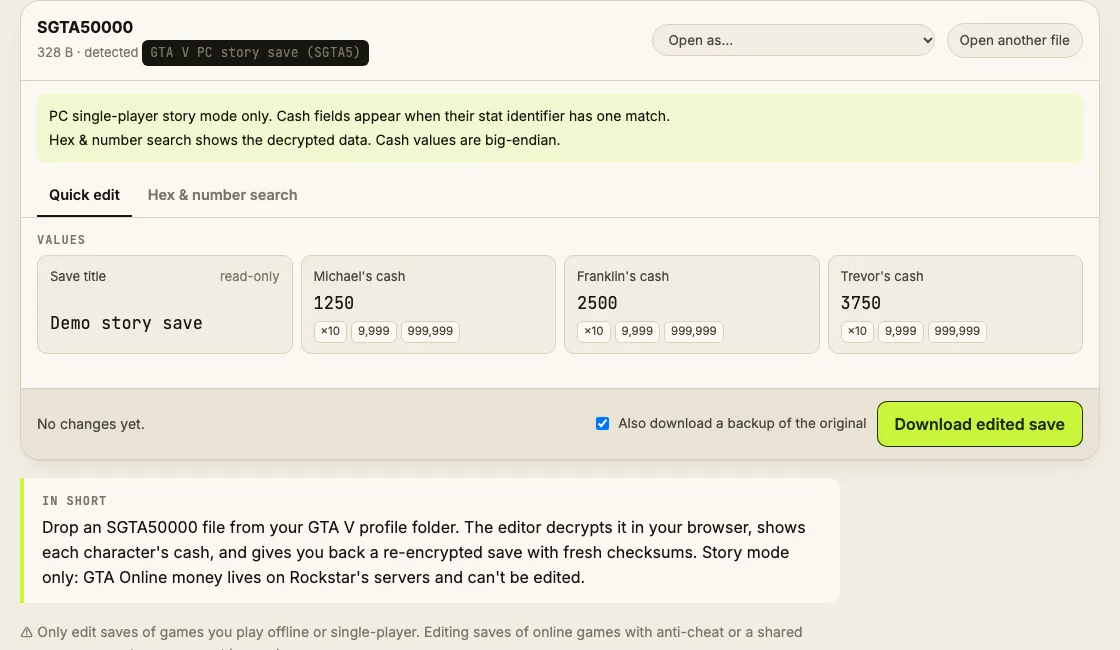
- Michael, Franklin and Trevor's cash when identified
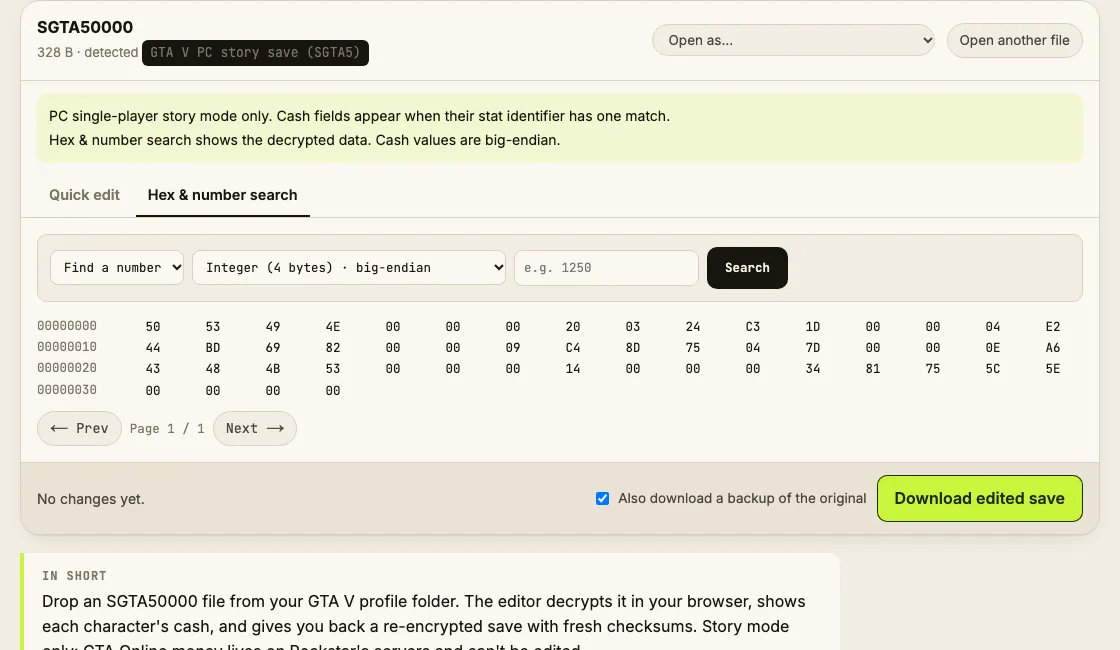
- Decrypted hex data and big-endian number search
Where is the Grand Theft Auto V save file?
| Platform | Location |
|---|---|
| Windows PC (Enhanced) | %USERPROFILE%\Documents\Rockstar Games\GTAV Enhanced\Profiles\<id>\SGTA50000Use the file matching your story save slot. |
| Windows PC (Legacy) | %USERPROFILE%\Documents\Rockstar Games\GTA V\Profiles\<id>\SGTA50000Only files matching the supported PC layout can be opened. |
Tip: on Windows, paste a path that starts with % into the File Explorer address bar.
How to edit your Grand Theft Auto V save
- Close GTA V and back up the story save file.
- Open the SGTA5 file in the editor.
- Change cash in Quick edit or search the decrypted bytes.
- Download the edited file and restore it under the original filename.
- Load the slot in single-player story mode.
Tips
- Keep your original save so you can restore it if the slot fails to load.
- Check whether cloud sync has restored the older file if the edit disappears.
Limits
- Only PC single-player story saves are supported. GTA Online and console saves are unsupported.
- Legacy saves that use another layout are rejected. Cash fields require a unique, valid stat match.
Editors that work the same way
- GTA San Andreas Save Editor: edit CJ’s money, health and armor in a classic PC save.
- GTA Vice City Save Editor: edit Tommy’s money in a classic retail PC save.
- Azeroth Survivors Save Editor: edit another local save with an integrity check.
- NFSU2 Save Editor: change cash and career progress in a PC driving game.
- Cyberpunk 2077 Save Editor: edit Eddies in a compressed PC save.
- RoadCraft Save Editor: edit money and XP in another PC vehicle game.
Grand Theft Auto V save editing FAQ
Can I edit GTA Online money?
No. This editor works only with local single-player story saves on PC.
Which file should I open?
Choose an extensionless SGTA5 file from your GTA V profile folder.
Why is a cash field missing?
Cash appears only when the save contains one supported match for that character.
How do I search the decrypted data?
Open Hex & number search and enter a value known from your save. Multi-byte values use big-endian order.
Does the file leave my browser?
No. Decryption, editing and encryption run locally.
How is this different from XB36Hazard's GTA V Save Editor?
That one is a Windows program you install, with .NET, and it edits much more (vehicles, stats, collectibles). This page needs no install, runs on Windows, Mac, Linux or a Steam Deck browser, and covers the common job: money for the three characters. For deeper edits, use the desktop tool.
Synthetic PC story fixture tested for byte-identical export, cash edits and checksum validation. In-game loading is pending. Save Editor is an independent tool and isn't affiliated with the makers of Grand Theft Auto V.
Other save editors