Save Editor / Games / Need for Speed Carbon
Need for Speed Carbon Save Editor Guide
Find and back up your Carbon PC career profile.
Modding instead of editing? How to install mods with r2modman or Gale
Project sources: PC checksum implementationFormat notes by CoDe RiPPeR
The extensionless career file lives inside its matching alias folder.
Want an editor for this game? Vote for it — the most-requested games get built first.
⚠ Only edit saves of games you play offline or single-player. Editing saves of online games with anti-cheat or a shared economy can get your account banned.
Where is the Need for Speed Carbon save file?
| Platform | Location |
|---|---|
| Windows PC | Documents\NFS Carbon\<alias>\<alias> |
Back up and restore Need for Speed Carbon saves
- Save in-game and quit to desktop.
- Find the file using the path above.
- Copy it to a separate folder and keep its original name.
Tips
- Keep a separate copy of the original profile or slot.
Why there's no editor yet
- Cash and reputation editing are pending verification of the cash location and PC signing process. Console saves are unsupported.
Editors that work the same way
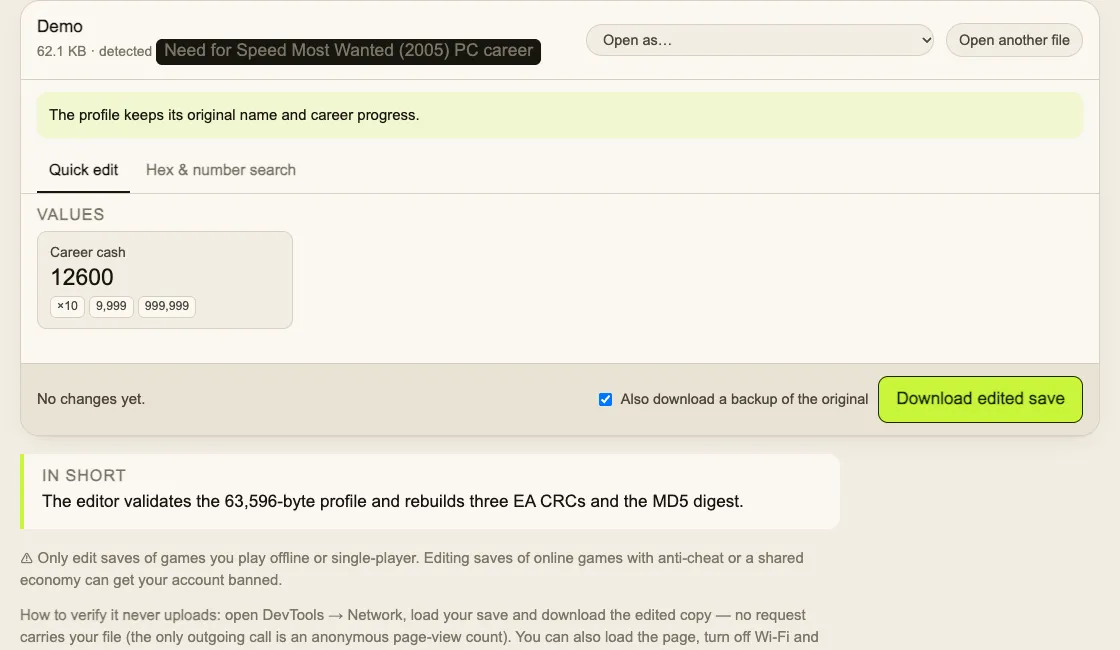
- Need for Speed Most Wanted Save Editor (2005 PC): edit career cash in the 2005 PC v1.3 profile.
- Need for Speed Underground Save Editor Guide: find and back up the original Underground PC career save.
- NFSU2 Save Editor: edit cash and career stage in Underground 2.
- RoadCraft Save Editor: edit money and XP in a PC vehicle save.
Need for Speed Carbon save editing FAQ
Why can a modified Carbon profile fail to load?
The PC profile uses CRCs and additional license-related integrity data.
Which file should I choose?
Open the extensionless file with the same name as your alias folder.
How do I restore the backup?
Close the game and restore the backup using the original filename and folder.
When should I copy the save?
Save your progress and quit the game before copying the slot.
Can I edit the file on this page?
This page helps you locate and back up your save while browser writing is pending.
Does my file leave my device?
The guide requires no file upload.
Format references reviewed. Browser writing is pending. Save Editor is an independent tool and isn't affiliated with the makers of Need for Speed Carbon.
Other save editors