Save Editor / Games / Animal Crossing: New Leaf
Animal Crossing: New Leaf Save Editor (ACNL)
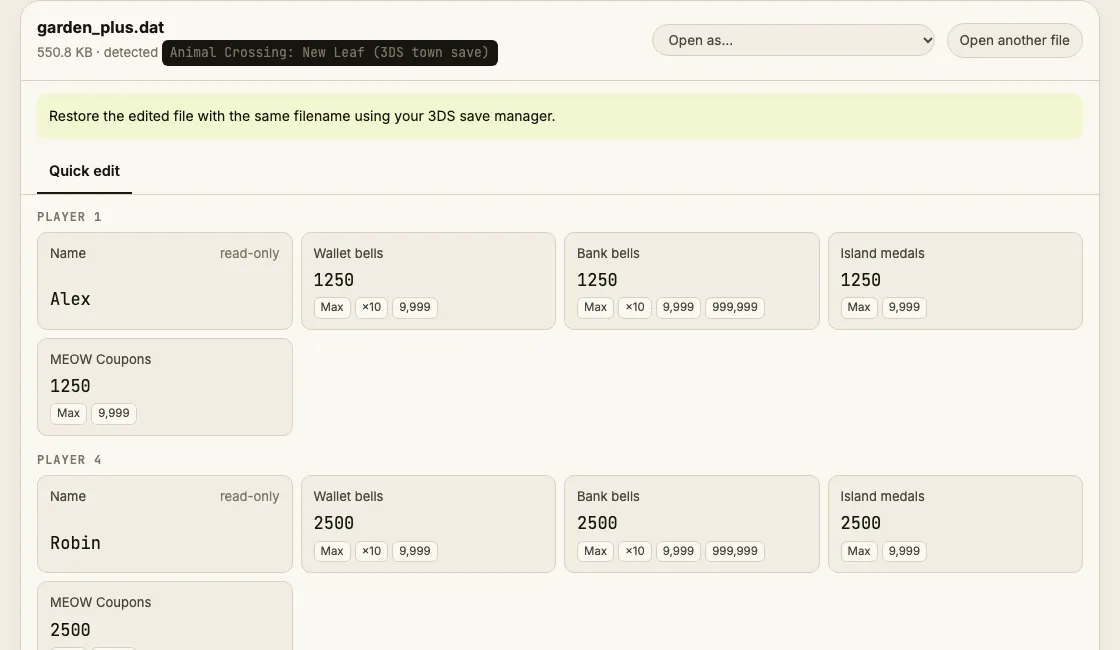
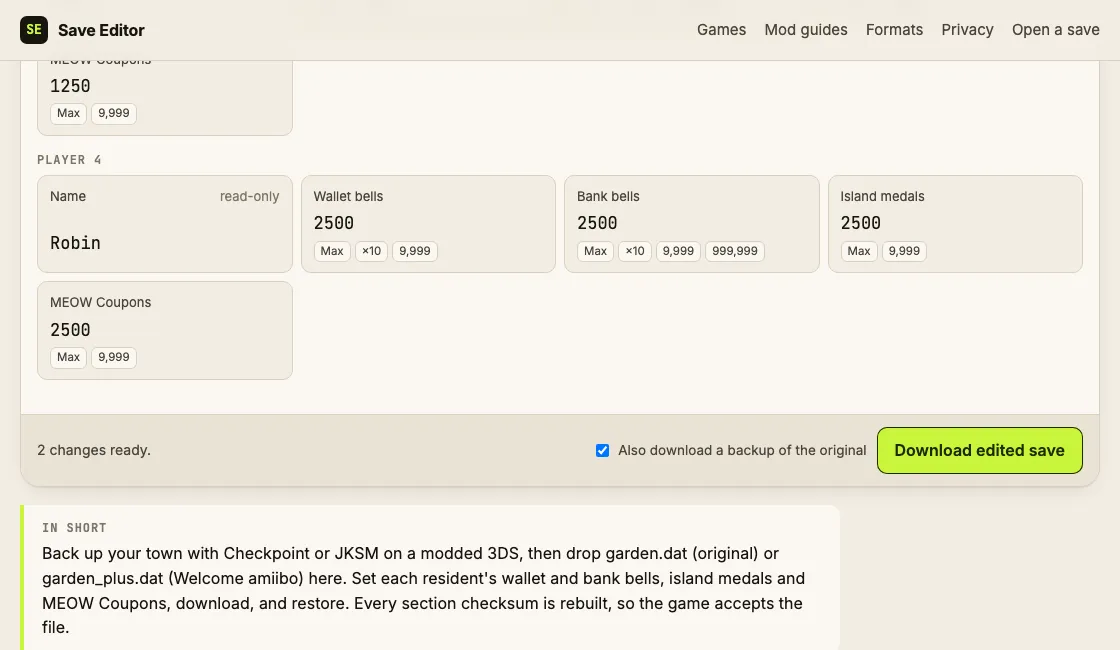
Edit bells in your wallet and bank, island medals and MEOW Coupons in an Animal Crossing: New Leaf garden.dat or garden_plus.dat.
Modding instead of editing? How to install mods with r2modman or Gale
Project sources: NLSE sourceNew Leaf ToolkitCheckpoint restore instructions
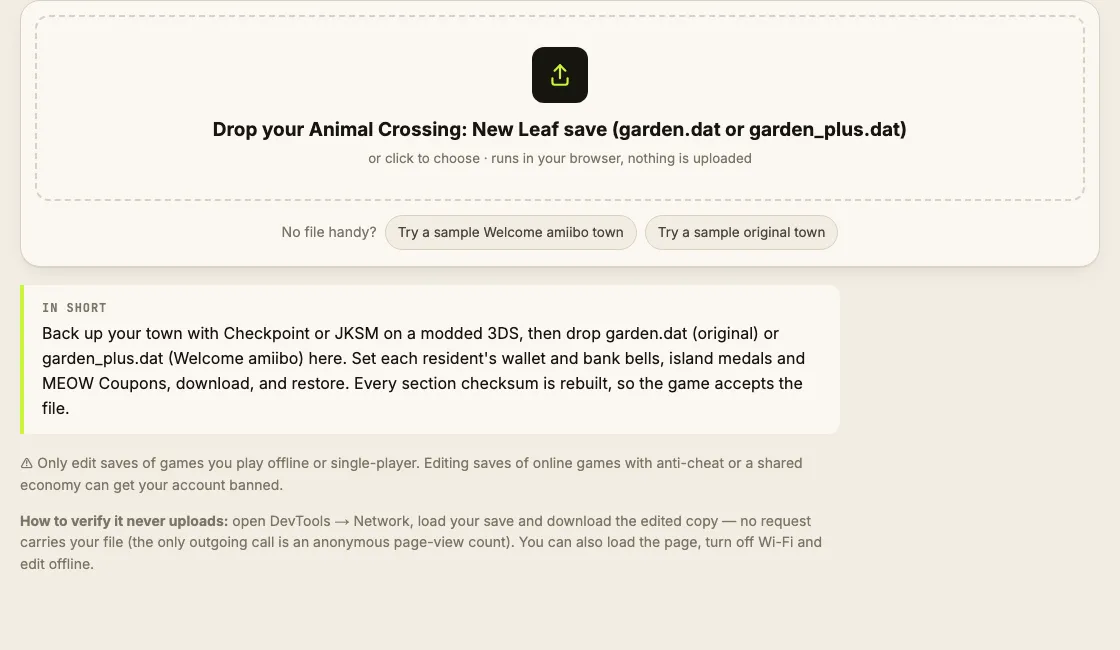
⚠ Only edit saves of games you play offline or single-player. Editing saves of online games with anti-cheat or a shared economy can get your account banned.
How to verify it never uploads: open DevTools → Network, load your save and download the edited copy — no request carries your file (the only outgoing call is an anonymous page-view count). You can also load the page, turn off Wi-Fi and edit offline.
What you can edit in Animal Crossing: New Leaf
- Wallet and bank bells for each resident
- Island medals
- MEOW Coupons in Welcome amiibo
Where is the Animal Crossing: New Leaf save file?
| Platform | Location |
|---|---|
| Nintendo 3DS (Checkpoint) | /3ds/Checkpoint/saves/<Animal Crossing title>/<backup>/garden.dat or garden_plus.dat |
| Nintendo 3DS (JKSM) | /JKSV/Saves/<Animal Crossing title>/<backup>/garden.dat or garden_plus.dat |
How to edit your Animal Crossing: New Leaf save
- Make a fresh backup with Checkpoint or JKSM.
- Keep the original backup and open the town file from a copy.
- Edit the resident's currencies.
- Put the download in the copied backup under its original filename and restore with the save manager.
Tips
- Use a fresh backup from the same console and town.
- Open the correct resident slot when checking your changes.
Limits
- Requires a decrypted 3DS save. Player names are read-only.
- Villagers, scenery, inventory and other Animal Crossing games are outside the editor's scope.
Editors that work the same way
- Azeroth Survivors Save Editor: edit currencies and progress in another game export.
- NFSU2 Save Editor: edit a binary save that also requires checksum updates.
- Pokémon Save Editor (Gen 3): edit another Nintendo game's local save.
- MHGU Save Editor: edit money in another game with resident or character slots.
Animal Crossing: New Leaf save editing FAQ
Which file comes from Welcome amiibo?
Welcome amiibo uses garden_plus.dat. The original game uses garden.dat.
Can I edit all residents?
Yes. Each occupied resident slot has its own currency fields.
Can I change MEOW Coupons in garden.dat?
MEOW Coupons are available in Welcome amiibo saves.
Do I need to fix the checksums myself?
The editor rebuilds each section's checksum when you download.
Can I use a raw cartridge dump?
Use the decrypted town file exported by Checkpoint or JKSM.
Should I use this or Marc Robledo's AC:NL Save Editor?
Use Marc Robledo's editor for town map, villagers, patterns and items: it covers far more of the game. Use this page when you just want bells, medals or coupons quickly. It reads your file locally and keeps a backup of the original either way.
Synthetic fixtures tested for both town layouts, including the section and currency checksums. 3DS restore is pending. Save Editor is an independent tool and isn't affiliated with the makers of Animal Crossing: New Leaf.
Other save editors